Arducam M12 Lens Camera Telephoto, Macro, Wide Angle, Fisheye Lens Kit (10°- 200°) Optical All in One Arduino Raspberry Pi LK001
Arducam M12 Lens Camera Telephoto, Macro, Wide Angle, Fisheye Lens Kit (10°- 200°) Optical All in One Arduino Raspberry Pi LK001
Code: KE2009 / LK001
Why We Need It:
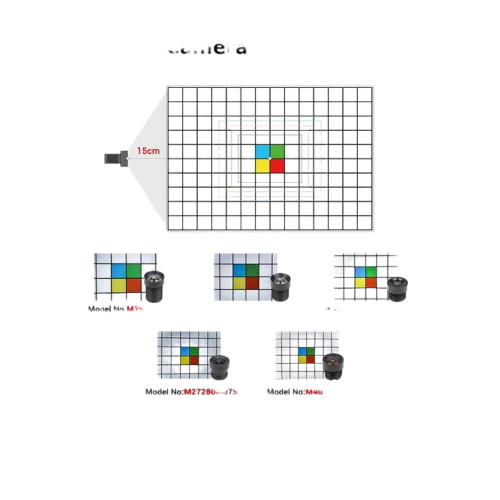
In case you’re disappointed with the fixed official cameras and want precise control of what gets into the frame of your image – like how wide and how close it is – we selected, tested, and labeled a bunch of lenses and shrunk it all into a complete toolbox on your palm.
What’s In It:
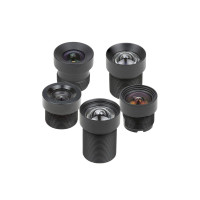
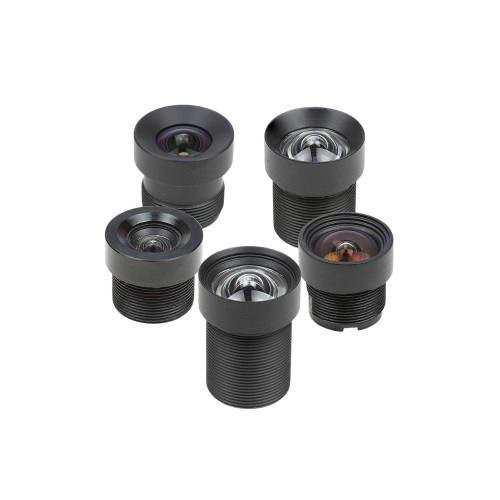
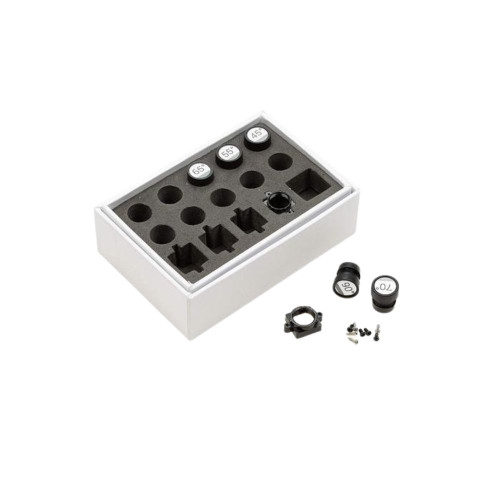
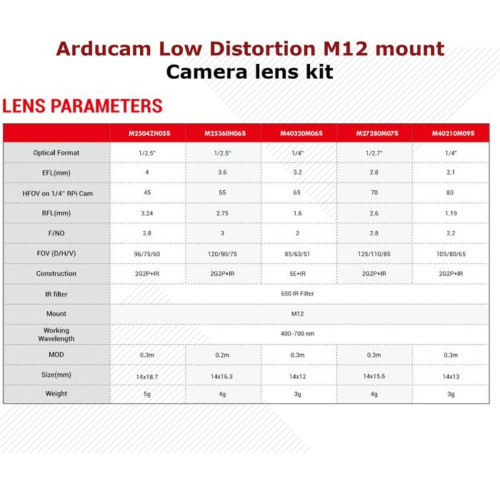
- 10x M12 Lenses: Covers almost any angle of view you’ll ever need (10°, 20°, 40°, 60°, 80°, 100°, 120°, 140°, 160°, and 200° respectively on a 1/2” Pi Camera like OV5647 and IMX219).
- 4x M12 Lens Holders: Comes with 18mm/20mm hole spacing and 7mm/13mm heights.
- Accessories: Screws, specifications sheet, and a cleaning cloth.
What Else Is Needed:
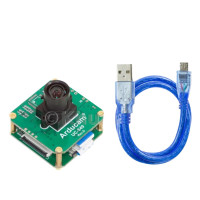
It makes a perfect combo with Arducam B0031, a more flexible and slightly larger camera module for Raspberry Pi that uses M12 lenses to frame up the best image.
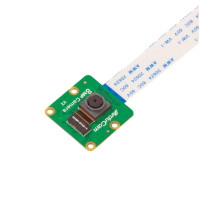
(Note: You can’t use this kit directly with the official Raspberry Pi Camera Module V2 because an M12 holder or 18/20mm hole spacing on the camera board is required).
How to Use It:
- Get a camera with an M12 lens holder.
- Screw one lens slowly into the M12 lens holder until you see a clear and sharp image on a video screen.
- Screw it out a little if you want to shoot objects close to the camera.
- Replace it with the next lens if it is not the best fit.
Important Notes:
- Typically, lenses with a larger Field of View (FOV) will require shorter holders—meaning you need to change the lens holder if the lens does not focus at all.
- Arducam CS-Mount Cameras also work with this kit once the holders are replaced.
Resources:
- Video Tutorial: youtu.be/23jE0l8PTKA
- Wiki / Datasheet: arducam.com